local-ledger
A personal finance desktop app for macOS and Windows that keeps everything in an encrypted database on your computer and makes no network requests.
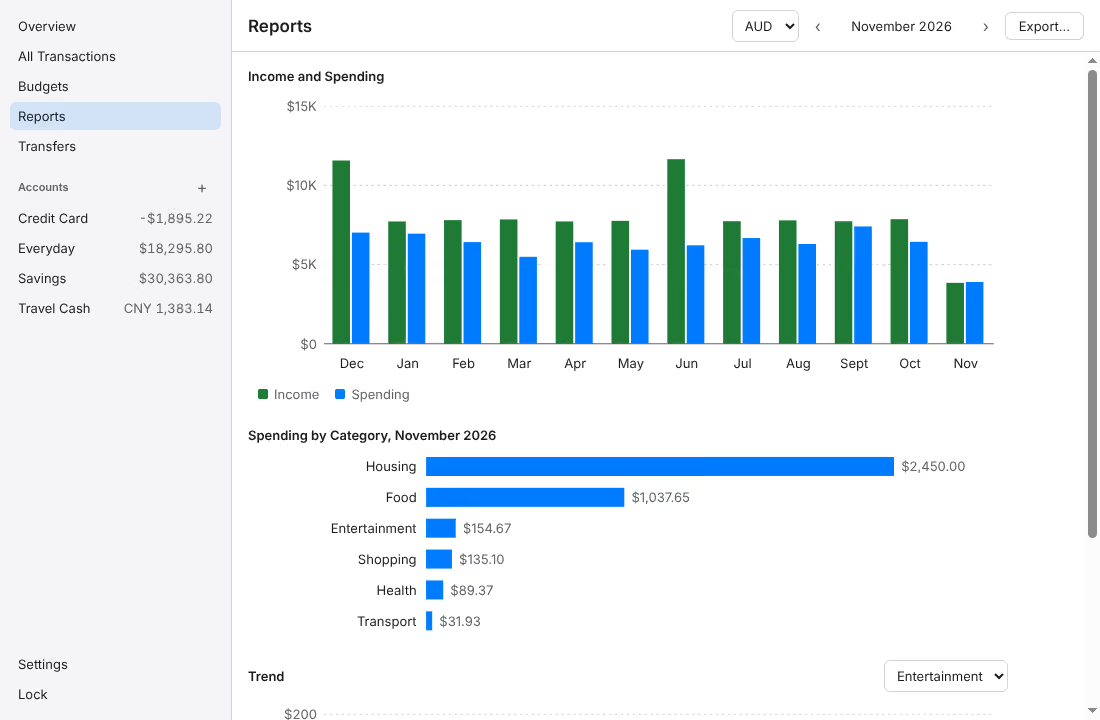
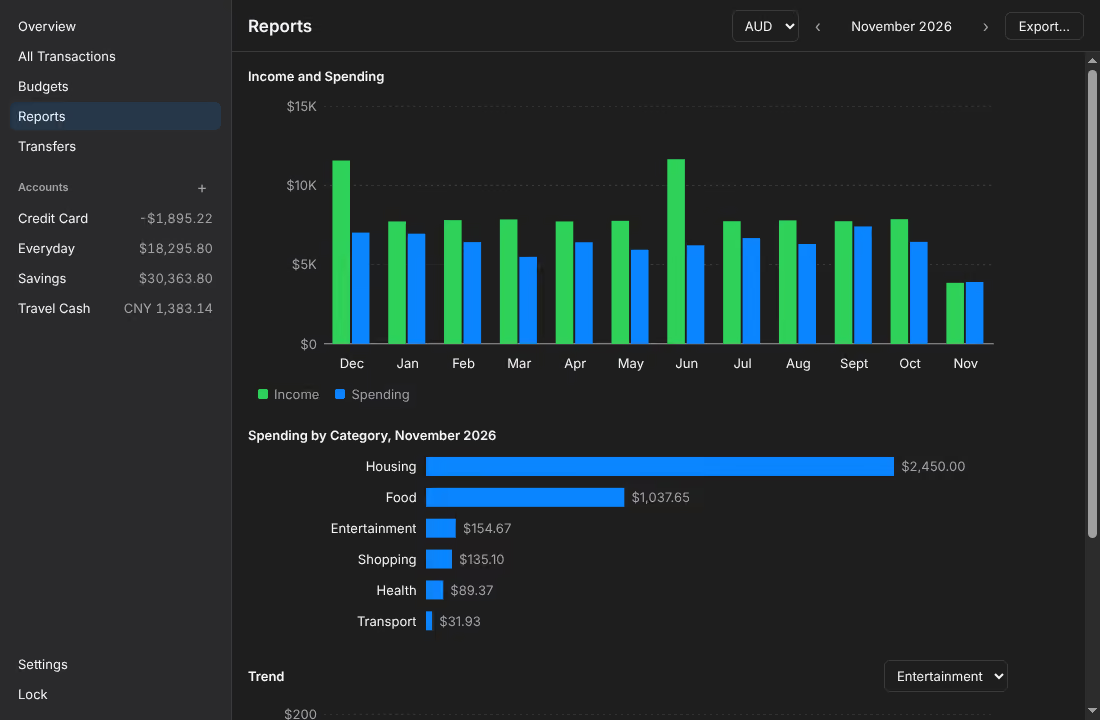
Key metrics
- network requests: the end-to-end suite and the package check read Chromium's net log and fail on any
- 0
- to derive the key with Argon2id at 64 MiB, 3 passes and 4 lanes, in a worker thread
- 321 ms
- of event loop blocked by that derivation in the worker, against 281 ms on the main thread
- 7 ms
- characters at least in the master password, as NIST SP 800-63B-4 asks for a single-factor password
- 15
Timings measured with Electron 45 on a 2.1 GHz Xeon with 4 cores. Unlocking has no attempt limit, since an attacker who copies the files is not subject to one; the cost of Argon2id is what slows guessing. Decision log
Problem and goals
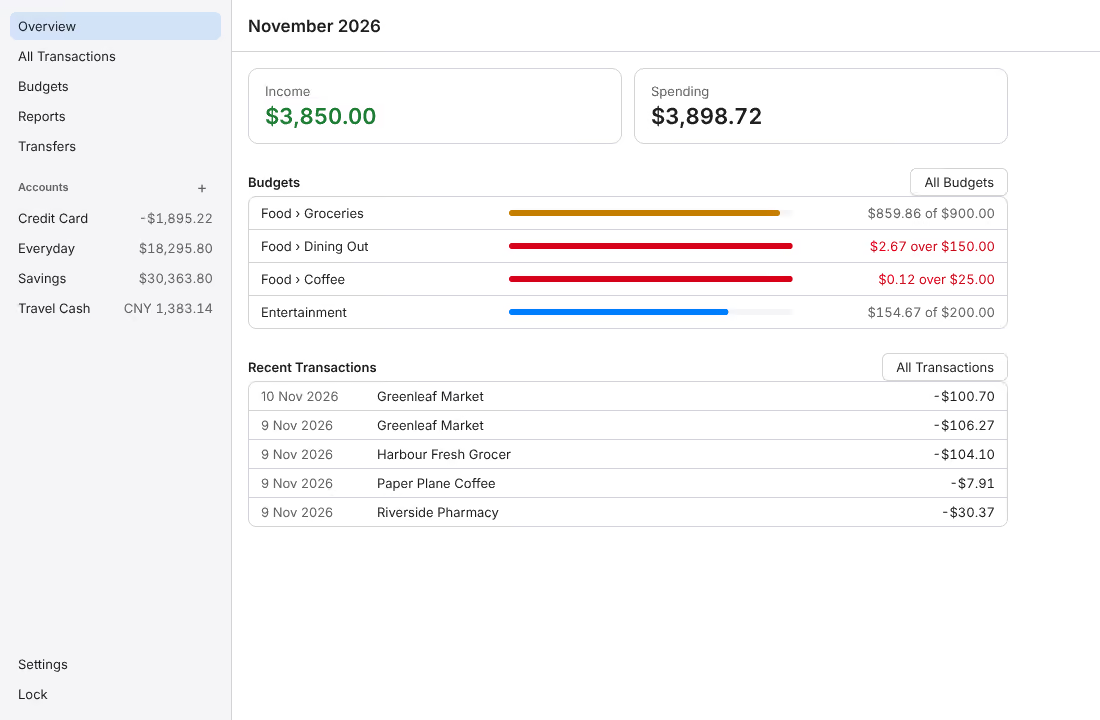
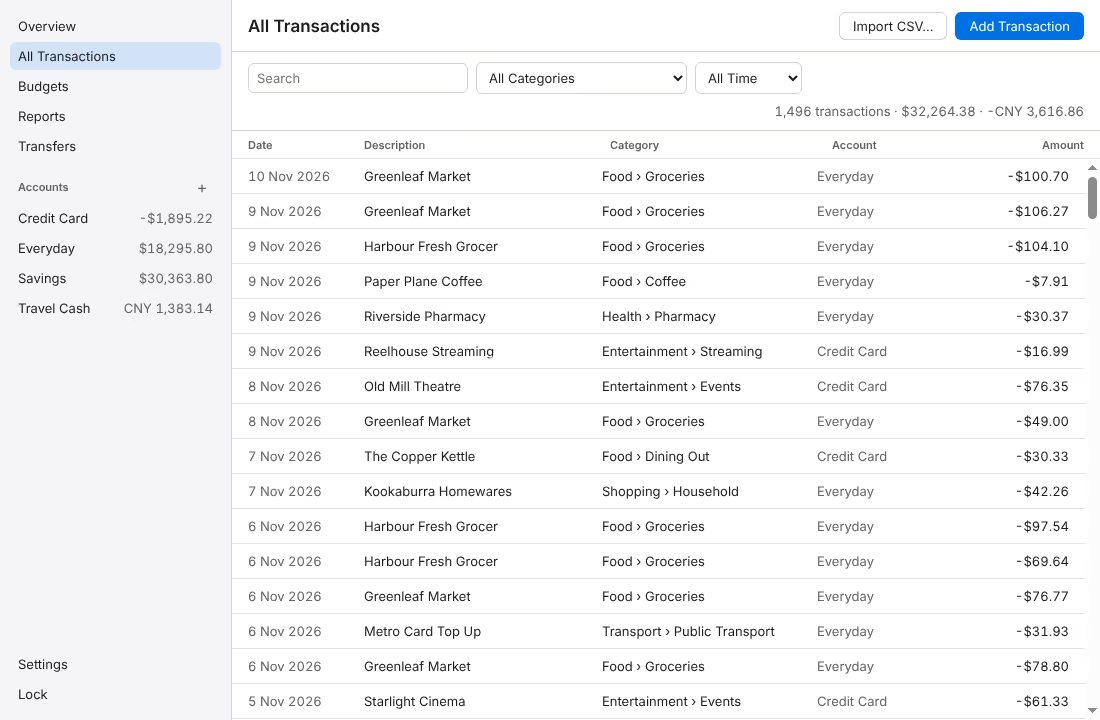
local-ledger is a personal finance app whose data never leaves the computer. It imports bank CSV files, categorizes transactions with rules, sets monthly budgets, draws charts and exports a month to Excel or PDF, all inside an encrypted database that one master password opens. There is no cloud sync, no bank connection and no password recovery.
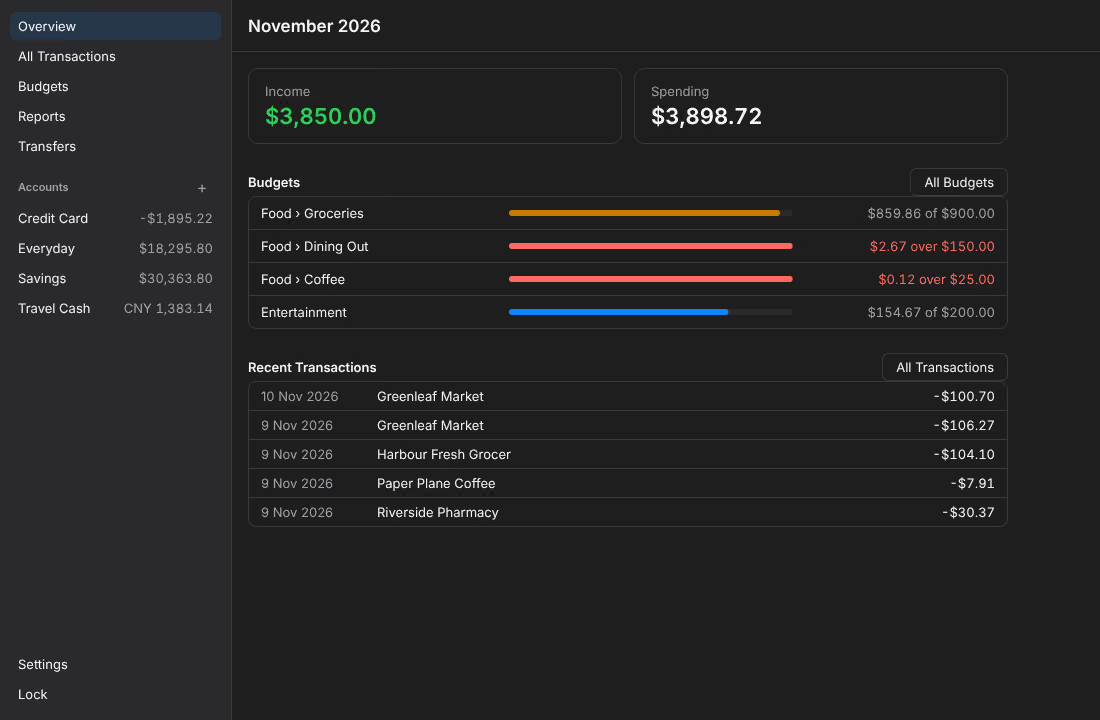
The specification asked for whole-database encryption with a key derived by Argon2id, a hardened Electron app with a typed IPC API, auto-lock when idle, templates for four Australian banks plus a column wizard, fuzzy duplicate detection, rules, budgets with overspending alerts, charts, exports, encrypted backups and dark mode. Its tests had to show that the renderer cannot reach Node.js, that invalid IPC arguments are rejected, that plain SQLite cannot open the database, and that data is unreadable after locking.
Exported files and the CSV files you import stay unencrypted wherever you keep them. Malware running as the same user is out of scope: it can read memory while the vault is open, or record the password at the next unlock. Releases are not code signed, so each system warns at first launch, and a download is as trustworthy as the checksum and provenance check its user makes.
Architecture
The page runs in Chromium's sandbox with no Node.js and is served from app://local-ledger under a strict content security policy. It calls the vault only through the typed window.ledger API that the preload script exposes, over a port of its own to a utility process, the vault host, which validates every payload with zod; the main process takes two requests from the app's own pages, a port to the vault host and a lock. In the vault host, the vault derives a key from the master password with Argon2id in a worker thread and unseals the data key kept in vault.json; the data key opens the database, ledger-<n>.db, every page of which is encrypted by SQLite3 Multiple Ciphers in the SQLCipher 4 format. Import, export and backups also run in the host: a CSV file comes in through the system open dialog, which the main process shows, or dropped on the window, an export goes out only where the user picks in the system save dialog and is not encrypted, and a backup is the encrypted database with a sealed header. The main process keeps the windows, shows the dialogs, prints PDFs and handles the lock, which ends the host and the page's process.
Key decisions
-
D013 A sealed data key and database generations
The database is encrypted with a random 32-byte data key, which a key derived from the master password seals with AES-256-GCM; the authenticated header binds the generation and the key derivation settings. A wrong password therefore fails the GCM check before the database is touched, which tells it apart from a damaged database. A password change draws a new data key, re-encrypts a copy of the database, checks it, and renames it to the next generation, and renaming the new
vault.jsonover the old one is the single commit point: a crash before it leaves the old password working, after it the new one. The cost is a rewrite of the whole database, which took 7 ms for 20,000 rows. -
D047 Locking ends the vault's process
On every unlock, lock and committed password change, the main process loads the page in a new view and closes the old one, whose renderer process then exits (D016). Every lock also ends the vault host, the utility process that holds the vault, its database, imports and exports, so what it held goes with it. Clearing a store cannot wipe what JavaScript strings and the DOM held; ending a process releases them, though not by overwriting. A lock replaces the page even when the vault is already locked, so a password typed but not submitted does not survive it, and the end-to-end suite asserts that the old process has exited. In 0.2.1 the main process held the vault, and a test of every process's memory found in it after a lock at least the imported text and half of the data key on Linux, Windows and macOS, and on Linux also the master password and the sealing key. Now the main process still holds, after a lock, the page of a PDF export and copies of typed text, but none of the master password, and the host can keep data for up to 30 s while calls under way settle.
-
D025 Fingerprints for duplicates
An imported row's fingerprint is its date, amount and description, with case and spacing aside, plus its place among identical rows of the same file, unique within its account, as YNAB's
import_idworks. Two identical genuine rows are occurrences 1 and 2, so both import, and an overlapping later file repeats neither. A row without an exact match is a possible duplicate when the account has a transaction of the same amount within 4 days that no other row has claimed; possible duplicates start unselected and show the transaction they resemble. An import is one SQLite transaction recorded as a batch, so it can be undone. -
D027 Transfers as pairs
When both accounts' files are imported, a transfer appears twice, money out of one and the same money into the other. Two transactions can be one transfer when they are in different accounts of one currency, their amounts are exactly opposite and they are at most 4 days apart, since a transfer on a Friday can arrive on Tuesday. After an import, such a pair is paired on its own only when both of these hold: its descriptions show a transfer, one naming the other account or both using a word such as "payment"; and no other such pair shares a transaction with it, or same-day pairs give every transaction exactly one partner. Any other pair waits for the user. A "Transfer" category, as some apps use, breaks silently when a category is mistyped.
-
D009 A custom scheme and a network that stays shut
The page is served from
app://local-ledger, a scheme registered before the app is ready, whose handler answers GET only and refuses any path outside the build directory; every response, errors included, carries a strict content security policy. New windows, navigation, redirects, webviews and permission requests are refused, and requests outside the app are cancelled. Spellcheck is off with no language, because Chromium otherwise downloads a dictionary from its CDN at startup. The end-to-end suite and the package check read a Chromium net log and fail on any network request.
Challenges
-
Bank formats nobody documents
CommBank, NAB, ANZ and Westpac confirm a CSV export but publish no columns. Each layout follows open-source parsers written against real exports, taken only where at least two agree, and was checked against the sample files those projects publish. Since none has been checked against a real export, the reader accepts every form the sources differ in: quoting by field or not at all, CRLF or LF, a byte order mark, a missing final line break, blank lines and spaces around fields. A file the app does not recognize opens in the column wizard, and
npm run csv:shapedescribes a file's structure without any of its values, for reporting a format the app does not read. -
A preview of 50,000 rows
An import may hold up to 50,000 rows, and drawing them all made the preview take about 4 s, with a checkbox taking up to 1 s to respond. The preview now draws only the rows in view and twenty on each side, with spacers for the rest; every row is fixed at 35 px, so a row's place follows from the scroll position, rows are memoized, and a checkbox changes only its own row. The preview went to about 0.2 s and a checkbox to about 15 ms. A virtual list library would add a dependency for about 60 lines, and CSS
content-visibilityalone skips layout and paint but not React's work. -
Exports that cannot run formulas
Transaction text comes from bank files, so a description such as
=HYPERLINK(...)could become a live formula in an exported workbook. The workbook is written by a small writer of the project's own, zipped with fflate: every text cell is an inline string and the writer has no formula element, text cells use the Text format so a later edit is not read as a formula, and text that starts like one, by OWASP's list, also gets the quote prefix. In LibreOffice every such start shows as typed; Excel and Numbers have not been tried. exceljs would have installed 193 packages, and the npmxlsxpackage is no longer updated there.